
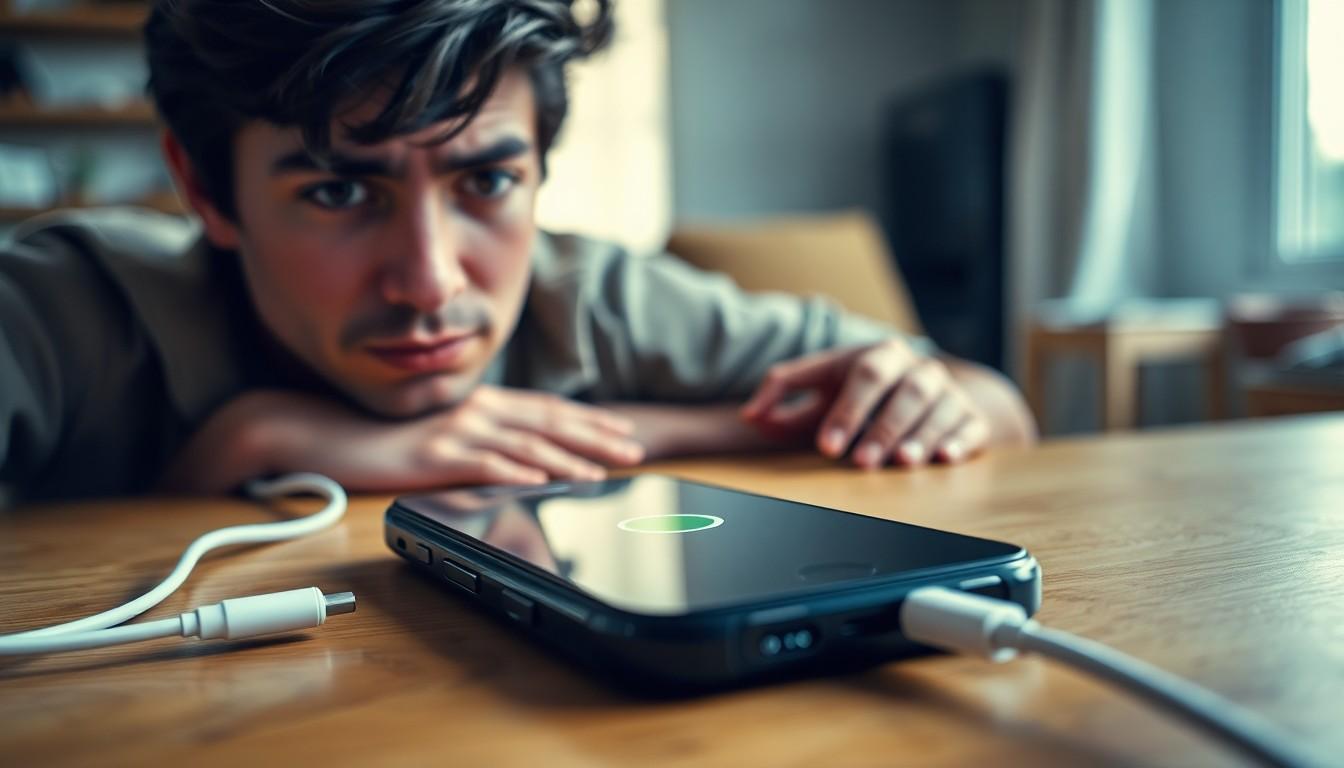

Imagine this: you’re in the middle of an important call or binge-watching your favorite show, and suddenly your iPhone decides it’s time for a dramatic exit. It turns off and on like it’s auditioning for a role in a tech-themed soap opera. Frustrating, right? You’re not alone in this tech travesty. Many iPhone users find themselves questioning why their trusty device has taken on a mind of its own.
From software glitches to battery issues, the reasons behind this annoying behavior can be as varied as the latest TikTok trends. Understanding the root cause is key to putting an end to this unwelcome rollercoaster ride. Buckle up as we dive into the reasons your iPhone might be playing peek-a-boo and how to get it back on track.
Common Reasons for iPhone Restarting
Several factors can cause an iPhone to restart unexpectedly. Understanding these reasons helps users troubleshoot effectively.
Software Issues
Software glitches frequently trigger unexpected restarts on iPhones. Outdated operating systems can lead to conflicts, so ensuring the latest updates are installed proves essential. Apps that malfunction may also contribute to instability, leading to frequent reboots. Corrupted system files can disrupt normal functions, resulting in repeated shutdowns. Users should consider resetting settings or performing a factory reset if software issues persist.
Hardware Problems
Battery problems often account for random restarting. Aging batteries may not hold a charge properly, causing sudden shutdowns or restarts. Additionally, damaged components like the logic board can lead to erratic behavior. Overheating devices may also shut down as a protective measure. Checking for physical damage provides insight into potential hardware failures. Users should consult professionals when unsure about hardware issues.
Troubleshooting Steps

Troubleshooting unexpected iPhone restarts helps restore device functionality. Users can follow several steps to identify and fix the problem.
Restart Your iPhone
Power cycling the iPhone can resolve temporary software issues. Press and hold the side button along with the volume button until sliders appear. Slide to power off and wait for about 30 seconds, then hold the side button again until the Apple logo appears. A simple restart often clears minor glitches affecting performance.
Update Your Software
Outdated software can lead to operational problems. Users should check for the latest iOS updates by navigating to Settings, then General, and selecting Software Update. Installing updates prevents potential bugs and compatibility issues with applications. Regular updates help maintain device stability.
Check Battery Health
Battery health affects overall performance. Users can access battery information in Settings under Battery and then Battery Health. A battery capacity below 80% indicates potential issues, often causing unexpected restarts. If the battery’s status shows the need for service, users must consider replacing it for optimal functioning.
When to Seek Professional Help
Recognizing when to seek help for iPhone issues can save time and frustration. Some signs indicate the need for professional intervention.
Signs of Hardware Failure
Visible cracks on the screen or battery swelling signal potential hardware issues. Continuous restarts or failure to turn on may also suggest deeper problems. Users should observe unusual behavior during usage, like lagging or unexpected shutdowns. If the device shows signs of overheating, it’s crucial to consult a technician. Physical damage often leads to complications that routine troubleshooting cannot resolve.
Apple Support Resources
Apple offers various resources for users encountering persistent issues. The official Apple Support website provides troubleshooting guides tailored to different problems. Users can also contact Apple Support directly for personalized assistance. Additionally, visiting an Apple Store allows for hands-on evaluations by certified technicians. Scheduling an appointment ensures users receive timely and effective support.
Preventative Measures
Implementing preventative measures can greatly reduce the chances of an iPhone restarting unexpectedly. Maintaining device performance requires attention to both software and usage practices.
Regular Software Updates
Updating software regularly helps prevent bugs and enhances compatibility. iPhones function best with the latest operating system, ensuring all features work smoothly. Frequent updates also include security patches that protect the device from vulnerabilities. Users should check for updates by navigating to Settings, then General, and selecting Software Update. Confirming updates at least once a month keeps the system optimized and reduces the likelihood of issues.
Proper Device Usage
Using the device correctly plays a significant role in preventing random restarts. Avoiding heavy multitasking keeps the processor running efficiently. Rapidly switching between demanding apps often leads to performance issues. Also, ensuring that apps are downloaded from trusted sources minimizes risks associated with malfunctioning software. Taking care of physical elements, like avoiding extremes of heat and moisture, protects internal components. Storing the phone with care, while avoiding unnecessary drops or impacts, preserves hardware integrity.
Conclusion
Dealing with an iPhone that keeps turning off and on can be frustrating. Understanding the common causes behind this issue is essential for users seeking a solution. Regular maintenance such as updating software and monitoring battery health can significantly improve device performance.
When basic troubleshooting fails it’s wise to consult a professional. They can provide insights into potential hardware failures that might not be immediately apparent. By taking proactive steps and seeking help when necessary users can restore their iPhones to reliable functionality.